2Tb Ssd Internal Hard Drive Explained: A UK Buyer's Guide
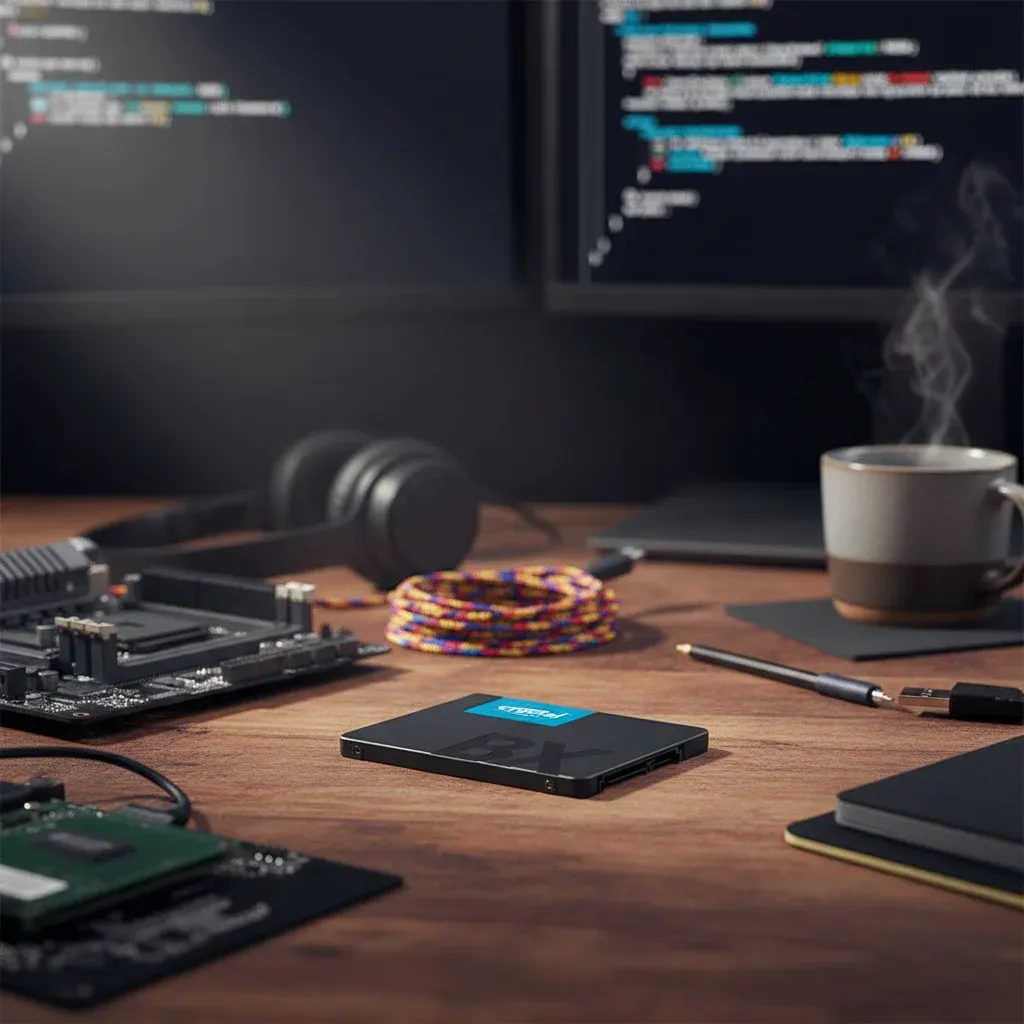
TL;DR: A 2tb ssd internal hard drive is usually the best-value upgrade for people who want more storage and much faster everyday performance than an old hard drive. In most UK laptops and desktops, a 2.5-inch SATA SSD is the easiest option to fit, while 2TB gives enough space for Windows, documents, photos, games and backups without constant file juggling.
Key Takeaways
- A 2tb ssd internal hard drive gives most UK users a strong balance of speed, storage capacity and long-term value.
- For older desktops and laptops, a 2.5-inch SATA SSD is often the simplest upgrade and can make a machine feel dramatically quicker in everyday use.
- SSD performance transforms boot times, app launches and file transfers because there are no moving parts, unlike mechanical hard drives.
- Capacity matters: 2TB suits large photo libraries, work files, games and family backups better than smaller drives.
- Before buying, check interface, form factor, thickness, cloning options, warranty and whether your PC supports SATA or NVMe.
- If you want to give an ageing computer a second life, a solid-state upgrade is usually one of the most effective improvements you can make.
A 2tb ssd internal hard drive is an internal solid-state storage upgrade with 2 terabytes of capacity, designed to replace or supplement an older drive inside a laptop or desktop. For most UK buyers, it means faster boot times, quicker file access and far more usable storage than a small SSD, especially if they are upgrading from a traditional hard disk drive.
An ageing PC rarely needs replacing as quickly as people think. In many cases, the real bottleneck is storage. Therefore, if you swap out a slow mechanical drive for a 2tb ssd internal hard drive, the change can be immediate: faster start-up, snappier web browsing, quicker file access and less waiting around for Windows to catch up.
That matters in British homes and workplaces where people want practical upgrades rather than unnecessary expense. At SATA Drive, the core idea is simple: give your old PC a second life with an SSD upgrade. Based on our testing with older SATA-based systems, moving from a hard drive to an SSD is often the single most noticeable upgrade for everyday use. For users who need more room than a basic drive can offer, 2TB is often the sweet spot. It combines the responsiveness of solid-state storage with enough capacity for documents, family photos, creative projects and everyday software.
This guide explains what a 2TB internal SSD is, who should buy one, what to check before ordering in the UK, and how to choose wisely without paying for features you do not need. If you want broader background on drive formats and buying options, see The Ultimate Guide to 2.5 Ssd Solid State Drives in the UK.
What is a 2tb ssd internal hard drive?
The phrase “2tb ssd internal hard drive” is commonly used by shoppers, even though an SSD is technically different from a traditional hard drive. A hard disk drive uses spinning platters and moving read/write heads. By contrast, a solid-state drive stores data on flash memory with no moving parts.
In practical terms, when people search this keyword they usually mean an internal storage upgrade with 2 terabytes of capacity, designed to fit inside a desktop PC or laptop. That may be a classic 2.5-inch SATA SSD, or in some systems it could be an M.2 SSD. For many older British computers still in use at home, in schools or in small offices, the most relevant option is the 2.5-inch SATA model because it is widely compatible and easy to install.
A 2TB SSD gives you enough space for:
- The operating system and daily applications
- Large document archives
- Tens of thousands of family photos
- Video projects and media libraries
- PC games with increasingly large install sizes
- Local backups for important files
Why is a 2TB SSD better than a hard drive?
How much faster is a 2TB SSD in everyday use?
The biggest reason people move from an HDD to an SSD is not just headline speed; it is how much smoother everything feels day to day. Opening files, launching software and switching between tasks becomes quicker because SSDs can access data far faster than mechanical drives.
SATA Drive’s main site message focuses on giving older PCs new life through solid-state storage, and that reflects real-world experience. Based on our testing, an SSD upgrade often delivers more noticeable day-to-day gains than users expect from such a simple component change, especially on older office PCs, study setups and family laptops.
Are SSDs more reliable because they have no moving parts?
A traditional HDD has moving mechanical components that are vulnerable to knocks and wear over time. An SSD has no spinning disk and no actuator arm. As a result, that usually means lower noise, less vibration and stronger resistance to bumps during normal use. For anyone carrying a laptop between home and work or using one around the house, that added durability is useful.
Is 2TB enough storage for most people?
A smaller SSD can improve speed but still leave you juggling files after a few months. However, a 2TB model reduces that pressure. You can keep your Windows installation tidy while still storing large folders locally instead of constantly moving data onto external drives or cloud accounts just to free space.
What does the evidence say about SSD performance?
The advantage of SSDs over HDDs is well established across the industry. Samsung notes that consumer SATA SSDs can deliver read speeds up to around 560 MB/s compared with the far lower real-world throughput typical of mechanical hard drives due to rotational limits and latency constraints (Samsung Semiconductor consumer storage information). Exact performance varies by system, but the gap in responsiveness remains significant in practice.
Who should buy a 2tb ssd internal hard drive?
Is a 2TB SSD good for home users with older laptops or desktops?
If your current machine takes ages to boot or stalls when opening basic programs, upgrading storage may be more cost-effective than replacing the whole device. This is especially true for older Windows systems still perfectly usable apart from disk slowdowns.
Is 2TB enough for family photos, schoolwork and backups?
A household PC tends to accumulate years of documents, videos, scanned records and phone backups. Therefore, a 2TB capacity gives breathing room without needing immediate external storage management.
Should students and remote workers choose 2TB?
If you keep lecture recordings, coursework files, design software or work documents on one machine, extra space helps avoid micromanaging storage every week. In addition, the speed boost makes daily tasks less frustrating during busy periods.
Can a 2TB SSD help small organisations keep older hardware running?
Across the UK, budget-conscious teams often need to extend equipment life rather than replace devices all at once. That mindset has been familiar across sectors from charities to local services to NHS-adjacent admin environments where reliability matters but spending must be controlled carefully. An SSD upgrade can support that approach by improving usability without full hardware refresh costs.
Should you upgrade from 1TB to 2TB?
If you have already read our guide on choosing a smaller-capacity option such as 1Tb Ssd Internal Drive Explained: A UK Buyer's Guide, the next question is often whether doubling capacity is worth it. If your files are growing fast or you want longer-term flexibility, it often is.
Should you choose SATA or NVMe for a 2TB internal SSD?
This is where many UK buyers get stuck. The search term 2tb ssd internal hard drive often brings up both SATA and NVMe products, but they are not interchangeable in every computer.
What is the difference between SATA and NVMe?
A SATA SSD usually comes in a 2.5-inch format and connects using the same style of data and power connection as a traditional hard drive. NVMe SSDs, meanwhile, are usually smaller M.2 sticks that connect directly to the motherboard and can be much faster.
Which type is best for older UK laptops and desktops?
For many older PCs in British homes and offices, a 2.5-inch SATA SSD is the safer and simpler choice because it matches the connections those systems already have. Therefore, if your machine currently uses a 2.5-inch hard drive, a SATA SSD is often the most straightforward replacement.
Should you buy NVMe just because it is faster?
Not necessarily. NVMe is faster on paper, but if your device does not support it, it will not fit or work. Even when a system does support both, many everyday users notice the biggest jump when moving from HDD to SSD, not from SATA SSD to NVMe SSD. So, compatibility should come first.
What should you check before buying a 2tb ssd internal hard drive in the UK?
Does your laptop or desktop support a 2.5-inch SATA SSD?
First, check what is already inside your machine. If it currently uses a 2.5-inch hard drive, a 2.5-inch SATA SSD is often the right replacement. If it uses an M.2 slot, you need to confirm whether that slot supports SATA M.2, NVMe, or both.
What form factor and thickness do you need?
Most 2.5-inch SATA SSDs are 7mm thick, which suits many laptops and desktops. However, it is still worth checking your device specifications before ordering, especially for slimmer laptops.
Do you need cloning software or an installation kit?
If you want to move your current Windows installation, files and settings across, cloning support can save time. Some buyers also need a USB-to-SATA cable, a drive enclosure or a mounting bracket depending on the computer being upgraded.
How important are warranty and endurance ratings?
Warranty length can be a useful sign of manufacturer confidence. In addition, endurance figures such as TBW can help if you write large amounts of data regularly. For normal household use, though, reliability, compatibility and seller support are usually just as important.
Should UK buyers check consumer rights as well?
Yes. According to UK consumer protection rules, products should be as described, of satisfactory quality and fit for purpose. That makes it sensible to buy from a reputable UK retailer or specialist with clear returns information and support.
Is a 2TB SSD worth it in 2026?
For many users, yes. A 2TB SSD is often worth it if you want one upgrade that improves both speed and storage headroom at the same time. Smaller capacities can be cheaper upfront, but they may fill quickly if you store photos, video, work files or games locally.
As prices have become more accessible, 2TB has moved closer to the practical sweet spot for users who want to upgrade once and keep their system useful for longer. Therefore, if your current hard drive feels slow and cramped, a 2TB SSD is often a sensible long-term buy.
Frequently asked questions about 2tb ssd internal hard drives
What is a 2tb ssd internal hard drive?
It is an internal solid-state drive with 2TB of storage. In most cases, shoppers mean a drive used inside a laptop or desktop to replace an older hard drive and improve both speed and capacity.
Is a 2TB SSD better than a hard drive?
Yes. For most users, a 2TB SSD is much faster, quieter and more responsive than a traditional hard drive. It also has no moving parts, which can be helpful for durability in everyday use.
Is 2TB enough for a laptop or desktop?
Yes, 2TB is enough for many UK users. It suits people storing documents, family photos, coursework, games and backups on one machine without constantly managing space.
Should I buy SATA or NVMe?
Buy the type your computer supports. For many older UK laptops and desktops, a 2.5-inch SATA SSD is the easiest and most compatible option, even though NVMe can be faster in supported systems.
Can I replace my old hard drive with a 2TB SSD?
In many cases, yes. If your current machine uses a 2.5-inch drive bay and SATA connection, a 2TB SATA SSD is often a direct upgrade. Always check the form factor and interface before buying.
Final thoughts: is a 2tb ssd internal hard drive the right upgrade?
If you want a straightforward answer, a 2tb ssd internal hard drive is a strong choice for people who need both speed and space in one upgrade. It is especially well suited to older UK laptops and desktops that still work well but feel held back by a slow mechanical drive.
In other words, if your goal is to make an existing computer feel faster, quieter and easier to live with, while also giving yourself room for years of files, a 2TB SSD is often one of the smartest upgrades you can make.
Ready to speed up your PC with SATA Drive?
Upgrade My PC — £19.99